
由 YIem 撰写于 浏览:4554 评论:0
**iOS-UI-UIButton 切圆-切弧度-边角弧度self.regButton.layer.cornerRadius = 10;**
由 YIem 撰写于 浏览:5539 评论:0
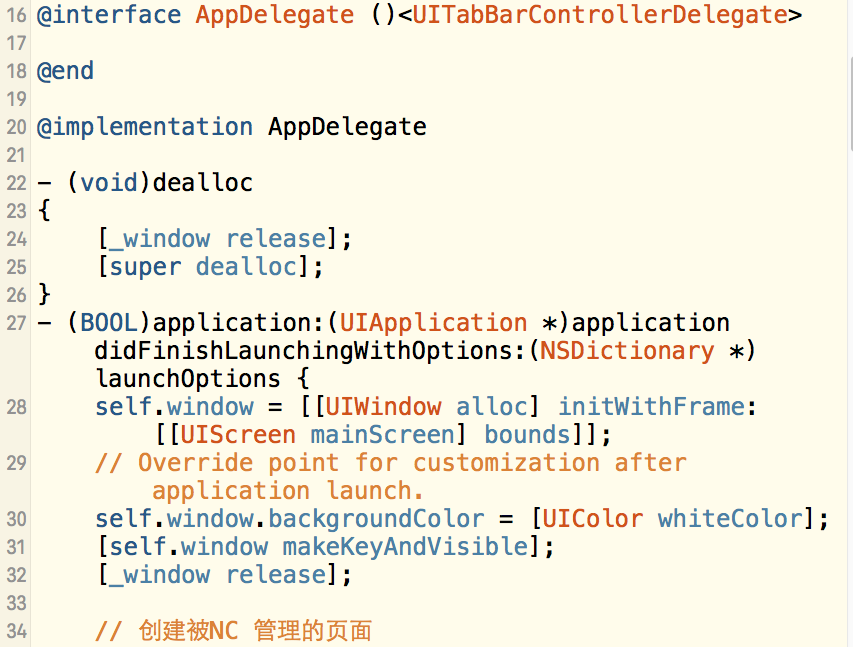
iOS-UI-UITabBarControllerDelegate-标签视图控制器@interface AppDelegate ()<UITabBarControllerDelegate>
@end@implementation AppDelegate(void)dealloc{ [_window release]; [super deall

由 YIem 撰写于 浏览:4320 评论:0
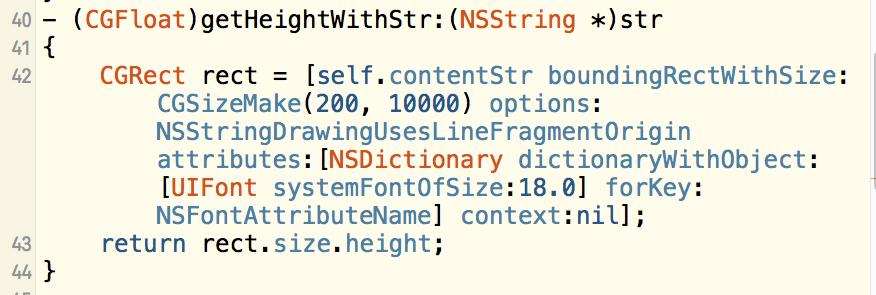
iOS-UI-UITableViewCell 的自定义-自适应高度RootVC.m
由 YIem 撰写于 浏览:6287 评论:0
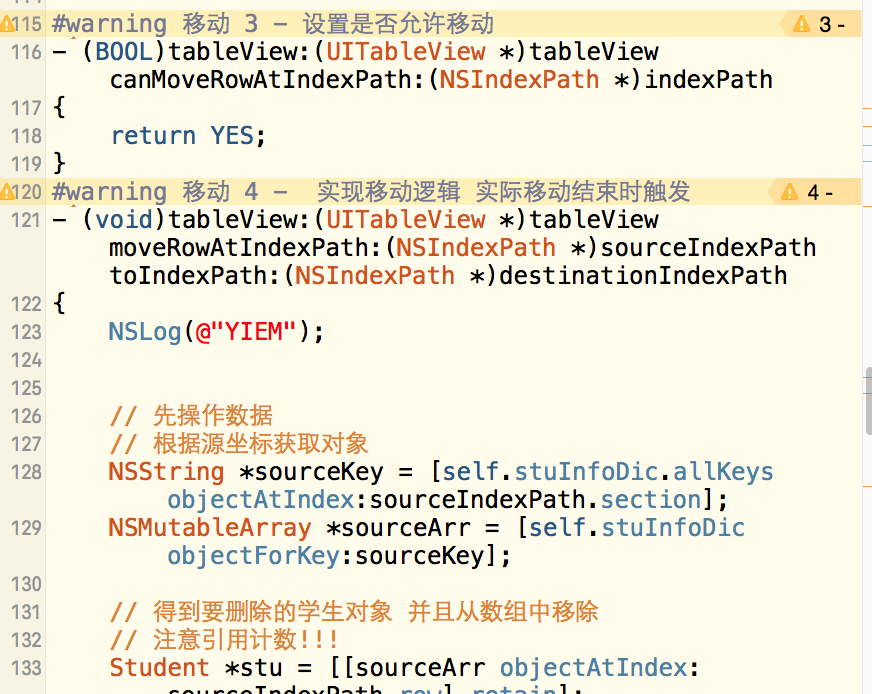
[上部分 链接======][1]上部分链接-同上方链接TableView里面 1 2 3 一样#warning 移动 3 - 设置是否允许移动(BOOL)tableView:(UITableView )tableView canMoveRowAtIndexPath:(NSIndexPath )indexPath{ return YES;}warning
由 YIem 撰写于 浏览:4843 评论:0
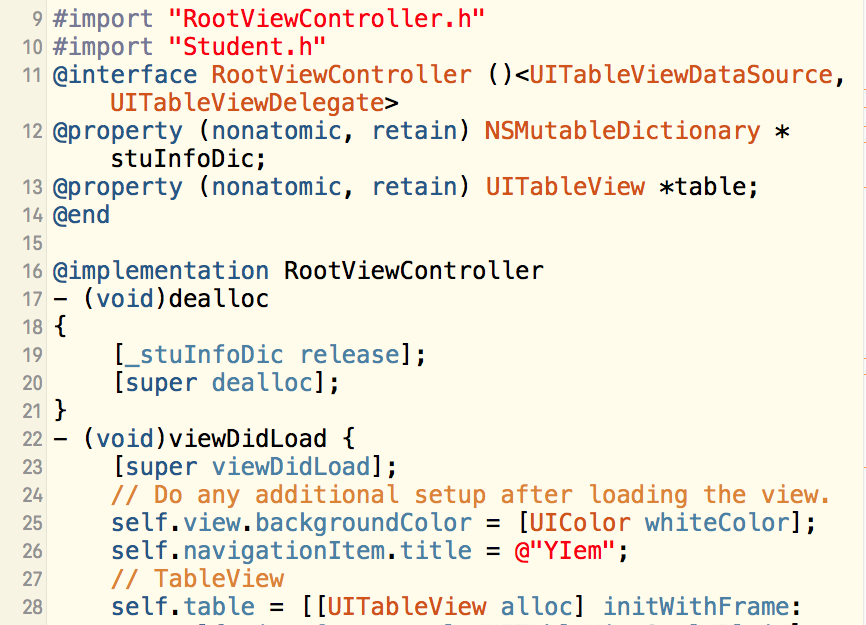
import "RootViewController.h"import "Student.h"@interface RootViewController ()<UITableViewDataSource, UITableViewDelegate>@property (nonatomic, retain) NSMutableDictionary *
由 YIem 撰写于 浏览:4583 评论:0
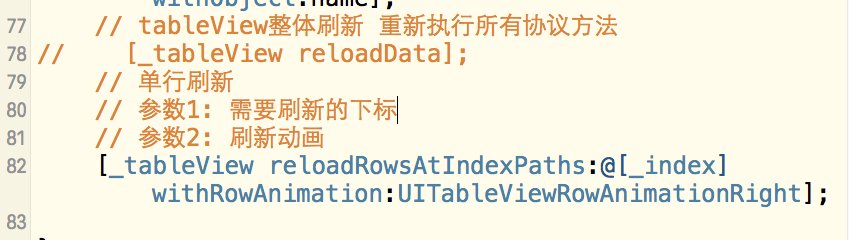
tableView整体刷新 重新执行所有协议方法 [_tableView reloadData]; 单行刷新// 参数1: 需要刷新的下标
// 参数2: 刷新动画
[_tableView reloadRowsAtIndexPaths:@[_index] withRowAnimation:UITableViewRowAnimationRight];
由 YIem 撰写于 浏览:4943 评论:0
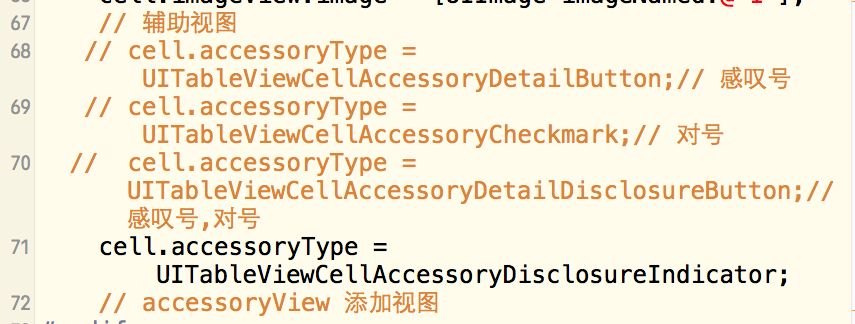
// 辅助视图// cell.accessoryType = UITableViewCellAccessoryDetailButton;// 感叹号 // cell.accessoryType = UITableViewCellAccessoryCheckmark;// 对号 // cell.accessoryType = UITableViewCe

由 YIem 撰写于 浏览:4155 评论:0
// tableView结构
// tableHeaderView + tableView + tableFooterView
// tableView -> section + row
// section -> header + row + footer
由 YIem 撰写于 浏览:4417 评论:0
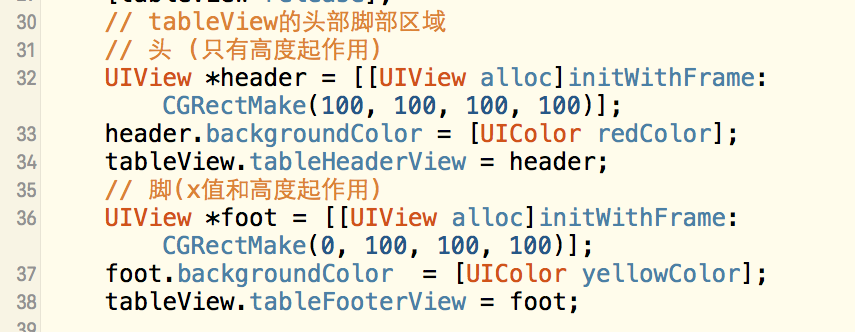
// tableView的头部脚部区域
// 头 (只有高度起作用)
UIView *header = [[UIView alloc]initWithFrame:CGRectMake(100, 100, 100, 100)];
header.backgroundColor = [UIColor redColor];
tableView.tableHeader
由 YIem 撰写于 浏览:4843 评论:0
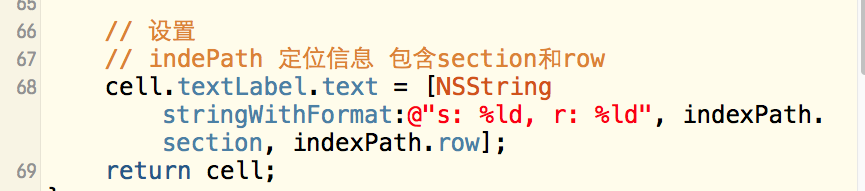
// 设置
// indePath 定位信息 包含section和row
cell.textLabel.text = [NSString stringWithFormat:@"s: %ld, r: %ld", indexPath.section, indexPath.row];
由 YIem 撰写于 浏览:3955 评论:0
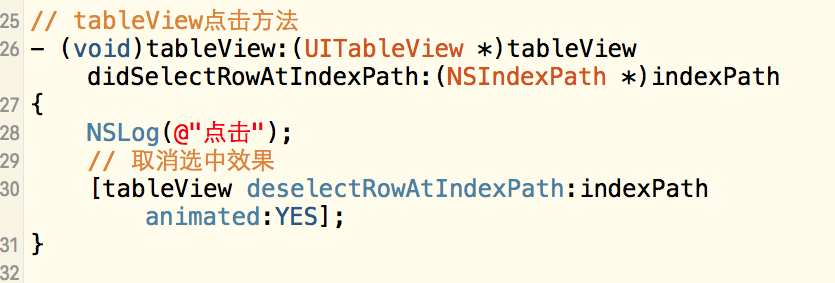
// tableView点击方法(void)tableView:(UITableView )tableView didSelectRowAtIndexPath:(NSIndexPath )indexPath{ NSLog(@"点击"); // 取消选中效果 [tableView deselectRowAtIndexPath:indexPath anim
由 YIem 撰写于 浏览:4959 评论:0
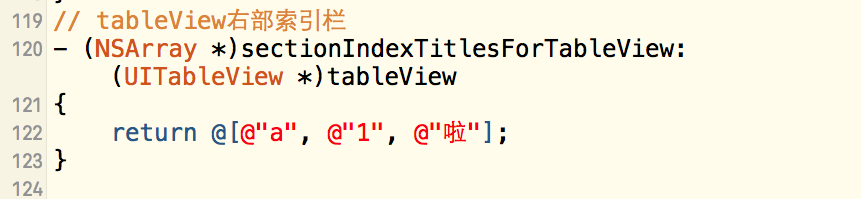
// tableView右部索引栏(NSArray )sectionIndexTitlesForTableView:(UITableView )tableView{ return @[@"a", @"1", @"啦"];}
由 YIem 撰写于 浏览:4767 评论:0
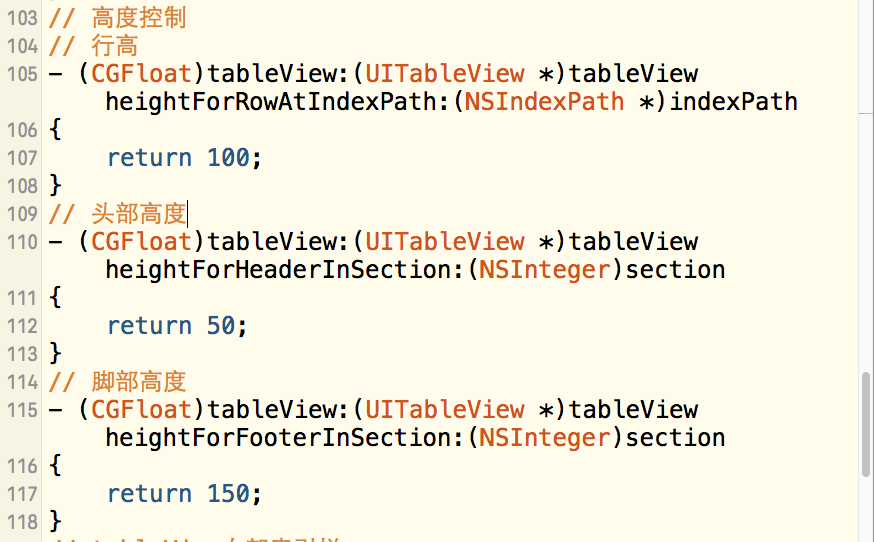
// 高度控制// 行高(CGFloat)tableView:(UITableView )tableView heightForRowAtIndexPath:(NSIndexPath )indexPath{ return 100;}// 头部高度(CGFloat)tableView:(UITableView *)tableView heightForHea
由 YIem 撰写于 浏览:4478 评论:0
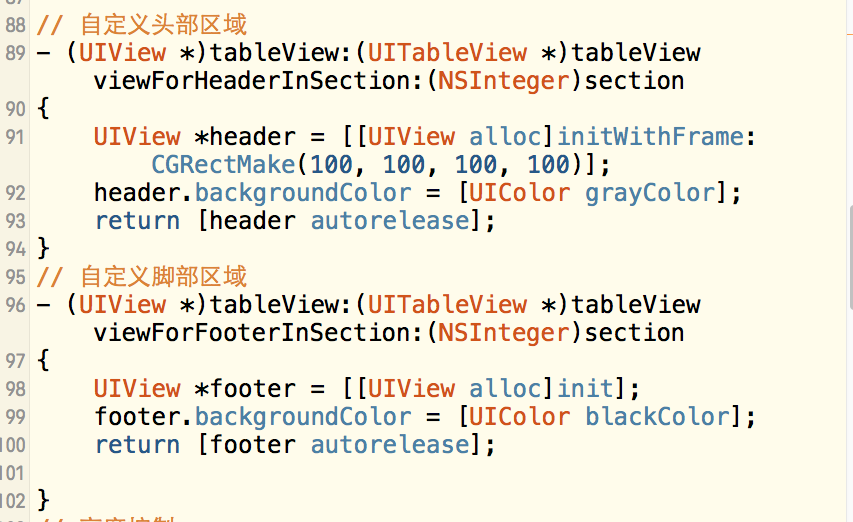
// 自定义头部区域(UIView )tableView:(UITableView )tableView viewForHeaderInSection:(NSInteger)section{ UIView *header = [[UIView alloc]initWithFrame:CGRectMake(100, 100, 100, 100)]; hea
由 YIem 撰写于 浏览:4260 评论:0
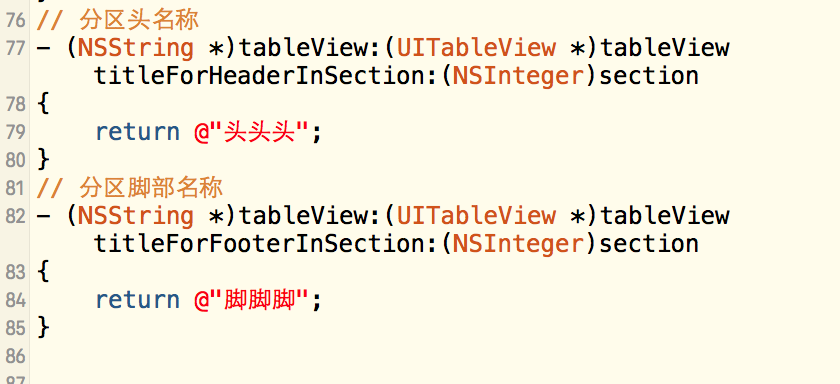
// 分区头名称(NSString )tableView:(UITableView )tableView titleForHeaderInSection:(NSInteger)section{ return @"头头头";}// 分区脚部名称(NSString )tableView:(UITableView )tableView titleForFoote
由 YIem 撰写于 浏览:4458 评论:0
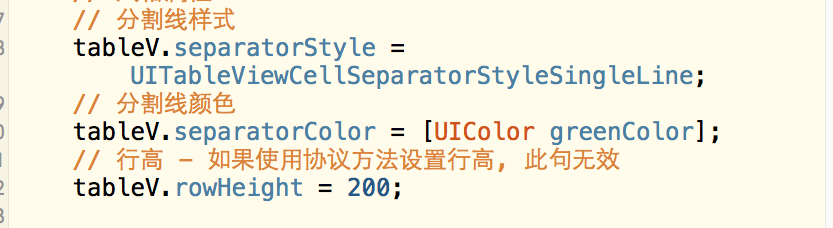
// 分割线样式tableV.separatorStyle = UITableViewCellSeparatorStyleSingleLine;
// 分割线颜色
tableV.separatorColor = [UIColor greenColor];
// 行高 - 如果使用协议方法设置行高, 此句无效
tableV.rowHeight = 200;
由 YIem 撰写于 浏览:4537 评论:0
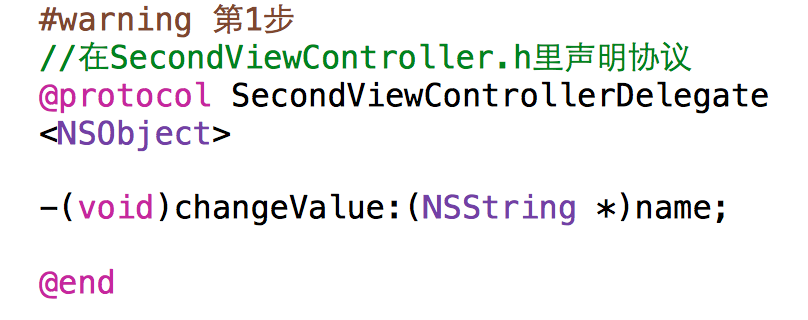
第⼀步:声明协议第⼆步:声明代理⼈第三步:执⾏协议方法第四步:签订协议第五步:指定代理⼈第六步:实现协议方法

由 YIem 撰写于 浏览:4614 评论:0
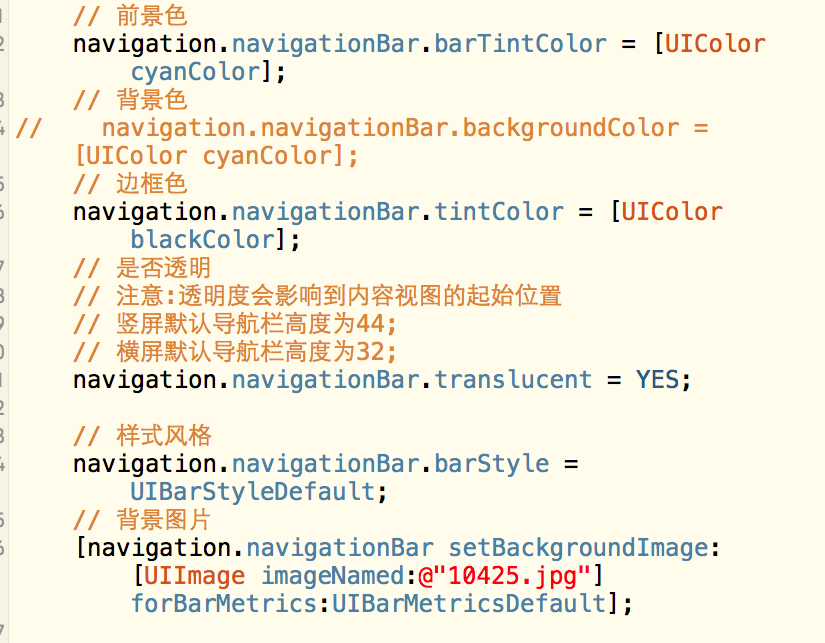
// 背景图片 [navigation.navigationBar setBackgroundImage:[UIImage imageNamed:@"10425.jpg"] forBarMetrics:UIBarMetricsDefault];
由 YIem 撰写于 浏览:4003 评论:0
// 前景色
navigation.navigationBar.barTintColor = [UIColor cyanColor];
// 背景色// navigation.navigationBar.backgroundColor = [UIColor cyanColor];// 边框色
navigation.navigationBar.t
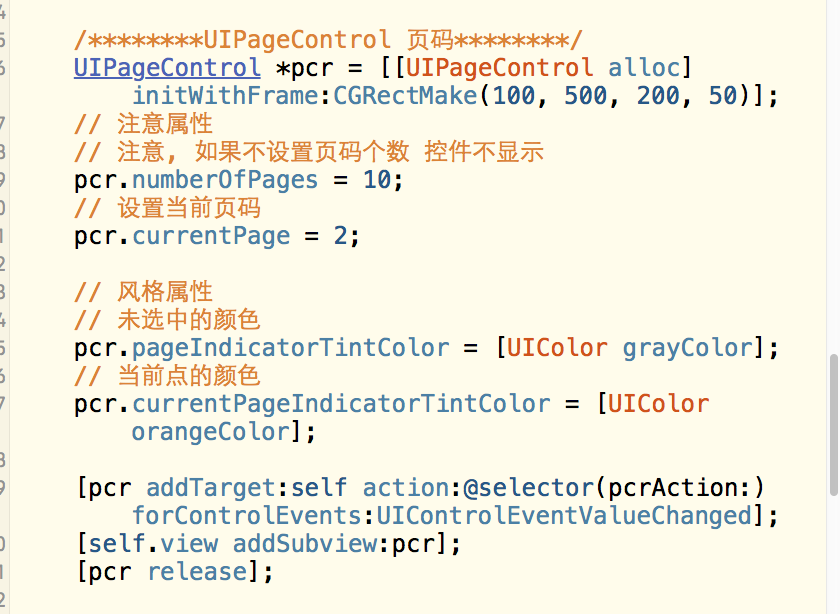
由 YIem 撰写于 浏览:5476 评论:0
/********UIPageControl 页码********/
UIPageControl *pcr = [[UIPageControl alloc] initWithFrame:CGRectMake(100, 500, 200, 50)];
// 注意属性
// 注意, 如果不设置页码个数 控件不显示
pcr.numberOfPages = 10
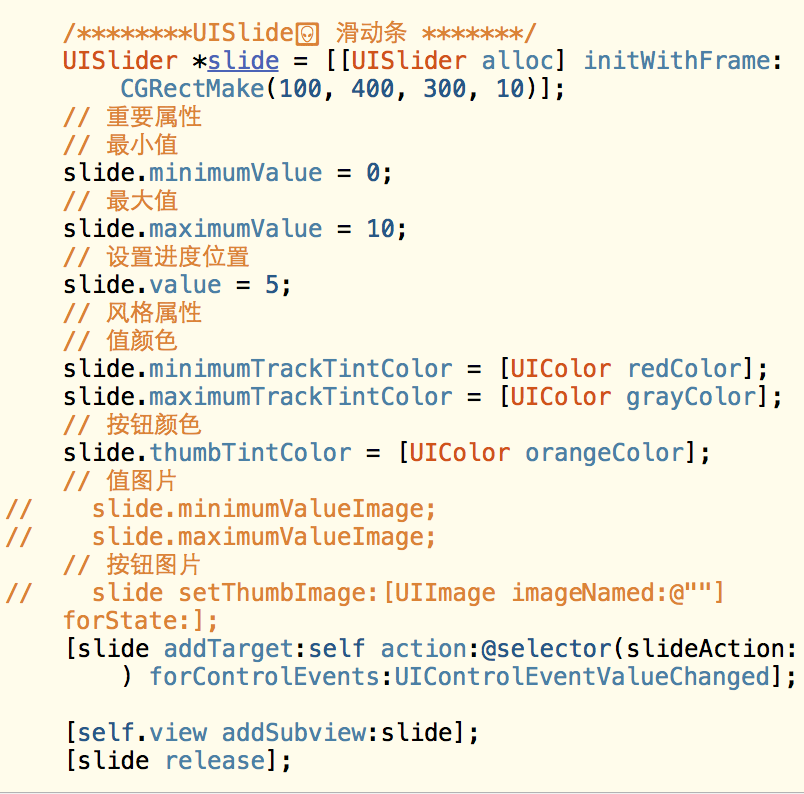
由 YIem 撰写于 浏览:6147 评论:0
UISlide 滑动条UISlider *slide = [[UISlider alloc] initWithFrame:CGRectMake(100, 400, 300, 10)];// 重要属性
// 最小值
slide.minimumValue = 0;
// 最大值
slide.maximumValue = 10;
// 设置进度位置
slide.v
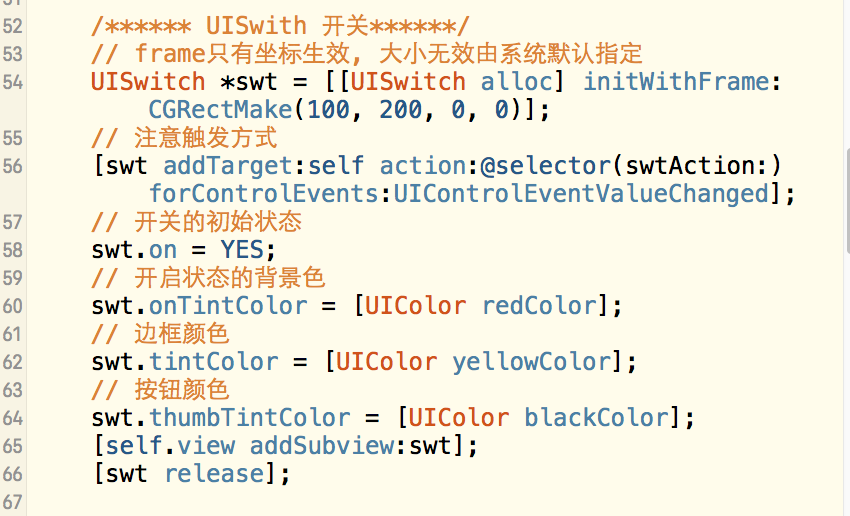
由 YIem 撰写于 浏览:4828 评论:0
/****** UISwith 开关******/
// frame只有坐标生效, 大小无效由系统默认指定
UISwitch *swt = [[UISwitch alloc] initWithFrame:CGRectMake(100, 200, 0, 0)];
// 注意触发方式
[swt addTarget:self action:@selector(
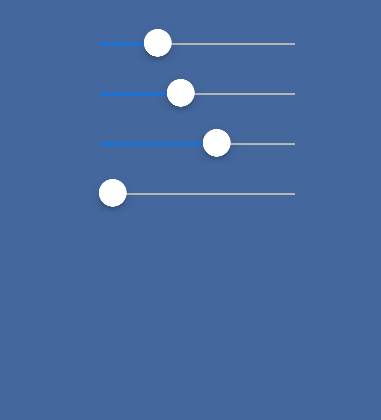
由 YIem 撰写于 浏览:4978 评论:0
iOS-UI-创建3个UISlider-分别设置划过区域的颜⾊分别为红,黄,蓝-通过控制三个slider改变self.view的背景颜⾊ #import "ViewController.h"@interface ViewController ()@property (nonatomic, retain) UISlider *red;@property (n
由 YIem 撰写于 浏览:4965 评论:0
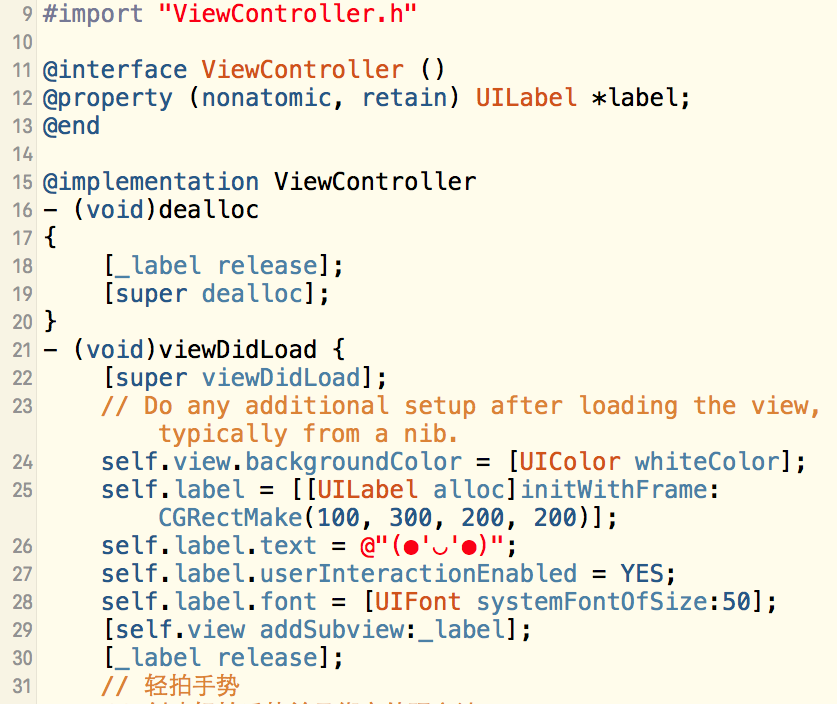
#import "ViewController.h"
@interface ViewController ()@property (nonatomic, retain) UILabel *label;@end@implementation ViewController(void)dealloc{ [_label release]; [

Yiem
心比天高,命比纸薄。
心比天高,命比纸薄。
1305
165
16
Tags
- YIem : 是的,需要发票的话还[...]
- leeson: 我也被坑了,前两年是[...]
- YIem : 安装完可以删除
- 绝对小白菜: 下载好的Window[...]
- 啊鱼竿哦哦哦: 哈哈哈
最新评论
- 帮助教程
- HelpDocsHub
- ipv6测试
- 个人博客
- 赵容部落
- Typecho主题模版