iOS键盘回收-按return键盘回收-或者跳入下一个UITextFielf
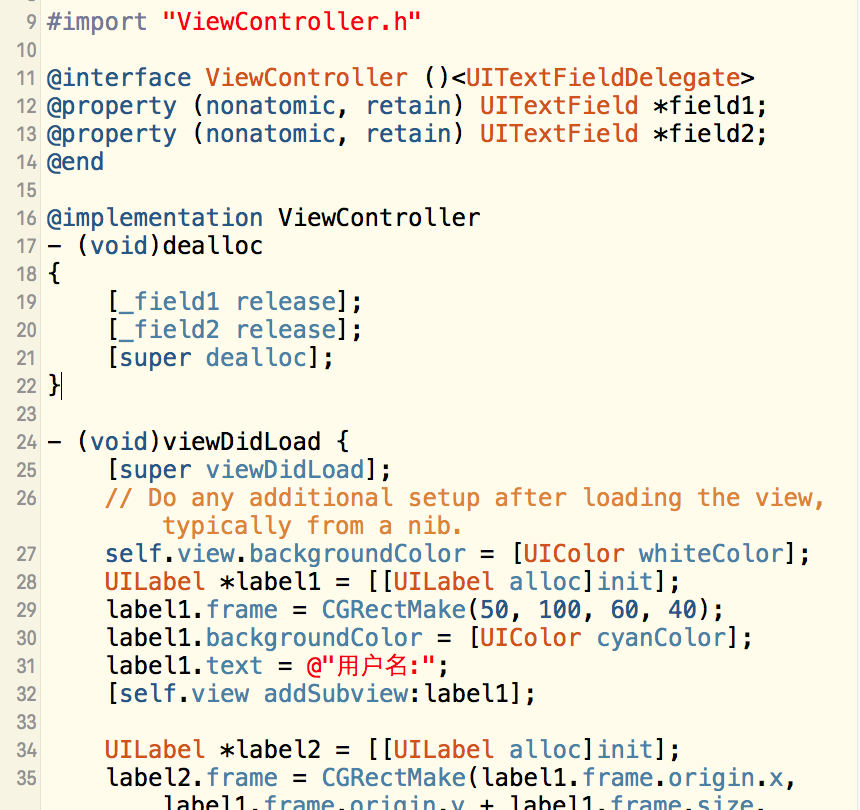
#import "ViewController.h"
@interface ViewController ()
@property (nonatomic, retain) UITextField *field1;
@property (nonatomic, retain) UITextField *field2;
@end
@implementation ViewController
- (void)dealloc
{
[_field1 release];
[_field2 release];
[super dealloc];
} (void)viewDidLoad {
[super viewDidLoad];
// Do any additional setup after loading the view, typically from a nib.
self.view.backgroundColor = [UIColor whiteColor];
UILabel *label1 = [[UILabel alloc]init];
label1.frame = CGRectMake(50, 100, 60, 40);
label1.backgroundColor = [UIColor cyanColor];
label1.text = @"用户名:";
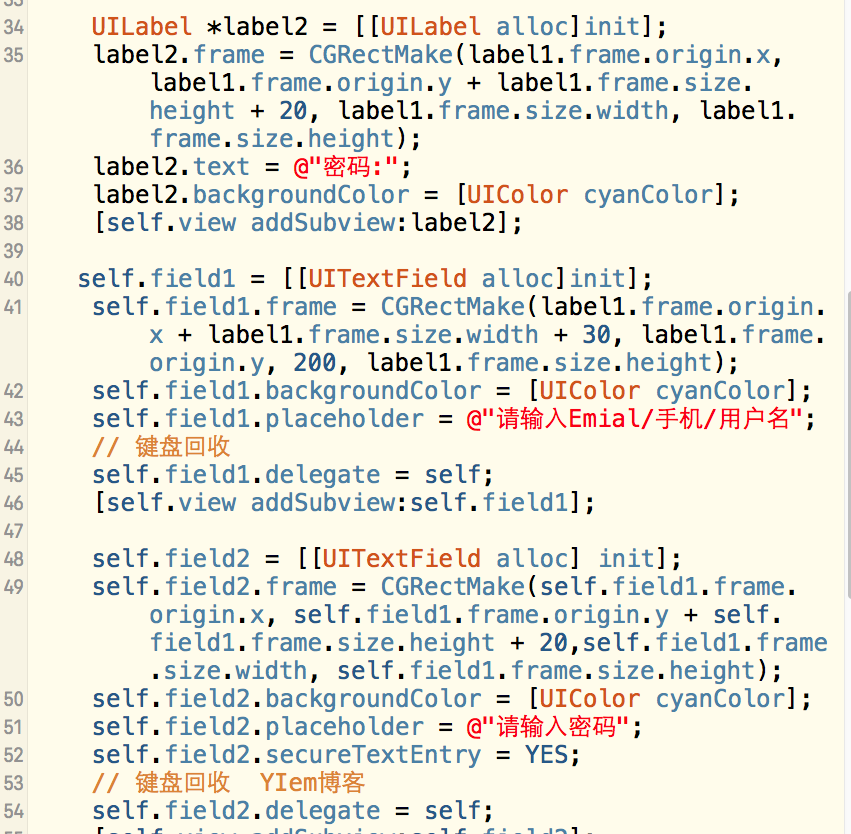
[self.view addSubview:label1];UILabel *label2 = [[UILabel alloc]init];
label2.frame = CGRectMake(label1.frame.origin.x, label1.frame.origin.y + label1.frame.size.height + 20, label1.frame.size.width, label1.frame.size.height);
label2.text = @"密码:";
label2.backgroundColor = [UIColor cyanColor];
[self.view addSubview:label2];
self.field1 = [[UITextField alloc]init];
self.field1.frame = CGRectMake(label1.frame.origin.x + label1.frame.size.width + 30, label1.frame.origin.y, 200, label1.frame.size.height);
self.field1.backgroundColor = [UIColor cyanColor];
self.field1.placeholder = @"请输入Emial/手机/用户名";
// 键盘回收
self.field1.delegate = self;
[self.view addSubview:self.field1];

self.field2 = [[UITextField alloc] init];
self.field2.frame = CGRectMake(self.field1.frame.origin.x, self.field1.frame.origin.y + self.field1.frame.size.height + 20,self.field1.frame.size.width, self.field1.frame.size.height);
self.field2.backgroundColor = [UIColor cyanColor];
self.field2.placeholder = @"请输入密码";
self.field2.secureTextEntry = YES;
// 键盘回收  YIem博客
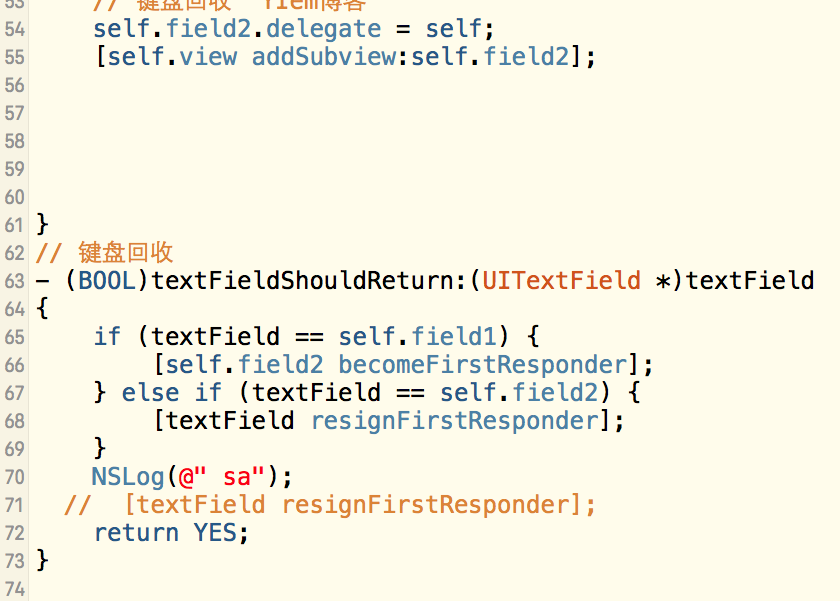
self.field2.delegate = self;
[self.view addSubview:self.field2];
}
// 键盘回收
(BOOL)textFieldShouldReturn:(UITextField *)textField
{
if (textField == self.field1) {[self.field2 becomeFirstResponder];} else if (textField == self.field2) {
[textField resignFirstResponder];}
NSLog(@" sa");
// [textField resignFirstResponder];
return YES;
}